
Your VPN may refuse to connect even when the rest of your internet works. An unavailable server or an outdated app can cause the same problems. Because different VPN protocols use different network transports and port numbers. In this guide, we’ll explain the most common ports, how TCP and UDP affect connections, and what to do when your VPN stops working.
What is a VPN port?
VPN ports are endpoints that help a computer direct network traffic to the right service. Your device uses ports for many kinds of communication, including VPN connections. TCP and UDP each have port numbers from 0 to 65535. A VPN client connects to a server address and a destination port that the server is configured to accept.
- Port numbers do not determine security.
- Most people using a commercial VPN never need to choose a port manually.
- The app handles this.
Common VPN ports and protocols
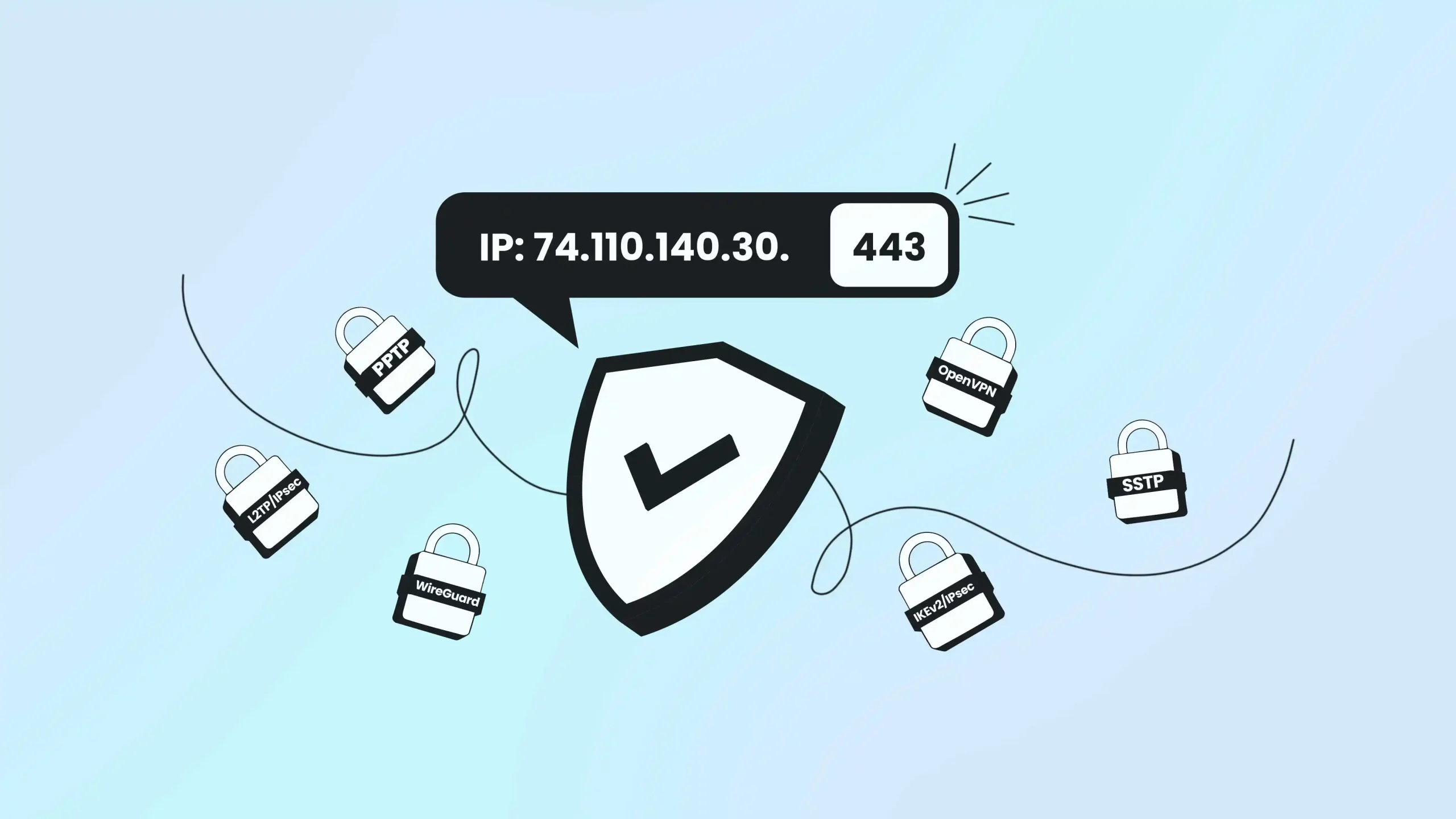
Here’s a quick reference to ports you may see in VPN documentation. These are examples, not fixed rules.
| VPN technology | Common port or protocol | What to know |
| OpenVPN | UDP 1194 | Common default; TCP 443 is an optional configuration |
| WireGuard | UDP 51820 | Common example port; server operators can change it |
| IKEv2/IPsec | UDP 500 and 4500 | Used for IKE negotiation and NAT traversal |
| L2TP/IPsec | UDP 1701, 500 and 4500 | L2TP works alongside IPsec protection |
| SSTP | TCP 443 | Used in supported Windows-focused setups |
| PPTP | TCP 1723 plus GRE | Older protocol with serious security weaknesses |
Note: A provider may configure a different listening port or transport if its software supports it. Follow your provider’s settings.
TCP vs UDP for VPN connections
Before comparing protocols, it helps to understand the two main transport options. How they handle data can affect your connection.
How TCP works
TCP checks that data arrives in order and retransmits missing information. That makes it useful for applications that need reliable delivery, but it also adds overhead. TCP tunnels may struggle on lossy networks.
How UDP works
UDP sends packets without built-in delivery guarantees. That can reduce overhead. UDP isn’t automatically faster on every network, and a congested server can still slow your connection.
Note:
- For everyday use, start with your VPN app’s recommended setting.
- Try alternatives only when supported.
How common VPN protocols use ports
OpenVPN ports
OpenVPN commonly uses UDP port 1194, which is also its software’s default. It also supports TCP. Some providers also offer OpenVPN over TCP 443. Your OpenVPN profile should include the correct server address, port, and transport. TCP 443 works only when the server supports it.
WireGuard ports
WireGuard runs over UDP and commonly uses port 51820 in configuration examples. Administrators can choose another port.
WireGuard uses cryptographic keys to identify peers and establish protected communication. Changing its port doesn’t improve encryption strength. You still need the correct server endpoint and keys for a working connection.
IKEv2/IPsec ports
IKEv2 commonly starts communication on UDP port 500. When Network Address Translation is involved, supported connections use UDP 4500 to carry the required traffic. This is how IKEv2 and IPsec work across most routers.
IKEv2 can also support network mobility through MOBIKE when both endpoints implement it. This may help when phones change networks. Don’t assume every consumer VPN application offers IKEv2.
L2TP/IPsec ports
L2TP uses UDP 1701 and is commonly paired with IPsec, which uses UDP 500 and sometimes 4500. IPsec may also use ESP, an IP protocol rather than a port. You’ll still encounter this combination in older configurations. For new deployments, check current security recommendations.
SSTP and PPTP ports
SSTP commonly uses TCP 443 and is often used in Windows VPN deployments.
Availability varies by device and server. Sharing a port number with HTTPS doesn’t guarantee network equipment will treat the two traffic types the same way.
PPTP uses TCP 1723 along with GRE, which is IP protocol number 47, not port 47. PPTP has known security problems and isn’t recommended for protecting sensitive traffic. Plan to replace it.
Do ports determine VPN speed and security?
No single port is the fastest or most secure for everyone. Performance depends on the VPN protocol, server load, routing, device, and internet service. Another supported transport may help, but its port number doesn’t improve speed.
Your encryption and authentication settings determine how the tunnel protects data. Using TCP 443 doesn’t automatically hide VPN use or prevent network administrators from recognizing VPN traffic. No fixed success rate applies to every network.
Which VPN port should you choose?
If you use a VPN app, keep its default connection settings unless you’re troubleshooting. Start with a recommended server. If the app offers protocol options, compare them using your normal network.
If you manage a VPN server, select ports that match its supported configuration and your organization’s network policy. Document the chosen ports and firewall rules. Don’t assume that opening more ports makes the service more reliable.
How to troubleshoot VPN port problems
A connection failure doesn’t always mean that a port is unavailable. Login, DNS, and certificate errors can look similar. Follow these checks before changing router or firewall settings.
- Check your normal internet connection. Disconnect the VPN and confirm that ordinary websites load.
- Try another available VPN server. One endpoint may be temporarily unavailable even when the rest of the service works.
- Review the app and account. Install updates and confirm that your credentials or subscription are valid.
- Compare supported connection settings. If your provider offers another protocol or transport, try it through the app’s settings.
- Contact your administrator or provider. Share the exact error message. On managed networks, ask whether VPN connections are permitted.
If you manage a server, you can use Windows PowerShell’s Test-NetConnection to check whether a TCP service responds on a specified port. That test cannot verify a VPN tunnel or UDP. Only test systems you own or are authorized to administer.
Do you need to change router settings?
Most people connecting to a commercial VPN don’t need to configure port forwarding on their home router. Your device connects outbound. Randomly forwarding ports may create unnecessary exposure.
If you’re hosting your own VPN server behind a router, you may need a firewall rule or port forwarding for incoming connections. Set up only the ports required by your server’s documentation. Limit access to authorized users.
On workplace or school networks, follow the local network rules. Don’t disable your firewall or antivirus software just to test a connection.
Conclusion
Once you understand VPN ports and protocols, you can investigate connection errors more easily. OpenVPN, WireGuard, and IKEv2 use different networking arrangements, but none has a port that guarantees better speed or universal compatibility. If you manage a server, document its settings and follow your network policy. Contact us for more details.
Frequently asked questions
OpenVPN commonly uses UDP 1194. It can also use TCP and other configured ports when both endpoints support them. Follow your server profile.
No. UDP 51820 is common in examples, but WireGuard servers can listen on another chosen UDP port. Your client needs the matching endpoint.
No. Some VPN servers offer TCP 443, but others don’t. Using that port alone doesn’t guarantee a successful connection or better privacy.
The networks may have different firewall policies, routing, or DNS behavior. An app or server issue can also be the cause. Check with the network administrator if you’re using a managed connection.
The port number itself doesn’t determine encryption strength. Configuration and authentication matter more. Use a trusted, well-maintained VPN service.